


Alex RoyClocked in 7:02 · GPS confirmed
OnsiteFrom iPhone to office
A few taps on the jobsite. The office is up to date.
Choose a moment in the day to see what the employee does on iPhone and what the supervisor or owner receives automatically.
The shift begins
The time clock confirms the right job, not just a time.
On the employee’s iPhone
7:04●●●
Fondation Flow
My time clock
JOBSITE ZONELocation confirmed
You are at the Tremblay project.
CLOCK ACTIVE SINCE7:0200 : 02 : 18
Foundation repairTremblay project · North crew
End shift
A note is requested only when GPS cannot confirm the zone.
For the supervisor and office
Office viewLive
Onsite3Active clocks3Active crews2
Marc LavoieClocked in 7:03 · GPS confirmed
OnsiteJoël BérubéClocked in 7:04 · GPS confirmed
OnsiteNorth crew arrived.Hours are now updating the Tremblay project.
From office to jobsite
The crew sees what to do. You see what was done.
Fondation Flow keeps the experience simple for employees and useful for managers. Each person sees only the tools that help move work forward.
- Clear assignments with address, time, and work details
- Point-in-time GPS clock when entering and leaving the jobsite
- Optional punch protection that can display a reminder after leaving the zone and close a forgotten punch
- Field photos and notes in the project history
- Hours ready to approve for your payroll reports
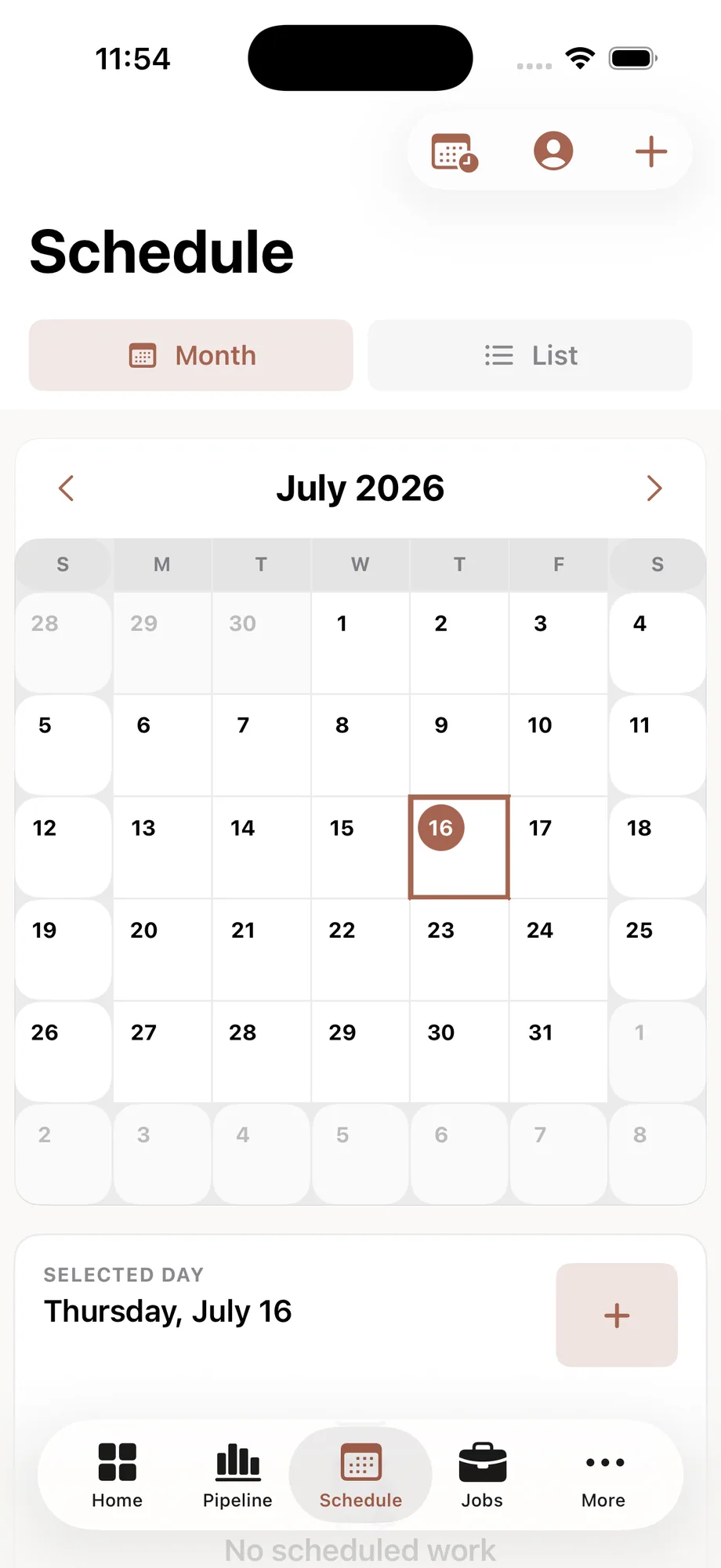
Job confirmedAddress and details received
Clock activeTime linked to project
Photo addedOffice updated
Designed for adoption
Your crew should not have to learn office software.
Every role gets a short, clear experience that supports today’s work.
They receive the assignment
A text takes them to the address, time, and work details.
They clock in onsite
The GPS zone confirms the jobsite without unnecessary steps.
They document progress
A note or photo immediately reaches the right project.
You approve
The supervisor or owner keeps control of timesheets.
A better-connected crew
Show us how your team works today.
The demo follows a real day: assignments, schedule, GPS time clock, field reports, receipts, approvals, and payroll-ready hours.